macOS · AI Assistant
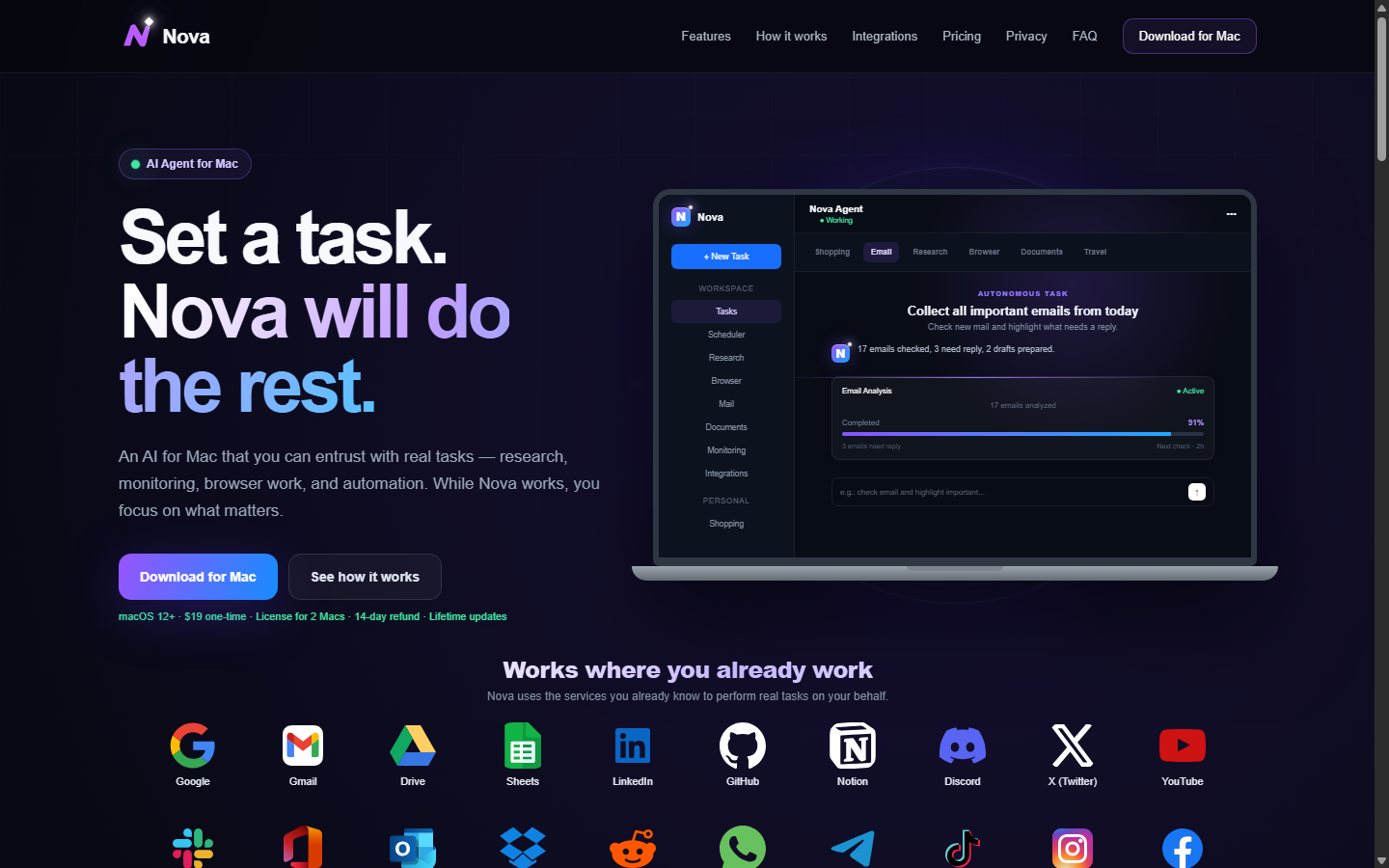
Set a task. Nova will do the rest.
An AI assistant for your Mac that takes on real work — automating repetitive steps, watching prices and websites, and browsing for you — so you can focus on what actually needs you.
An AI assistant for your Mac that takes on real work — automating repetitive steps, watching prices and websites, and browsing for you — so you can focus on what actually needs you.
Nova is not a chatbot you babysit. You describe the outcome, set the conditions, and it goes to work.
Hand off the repetitive parts of your day. Nova strings together the steps and runs them to completion.
Nova keeps an eye on the things you would otherwise forget to check.
Collecting information across websites is Nova's home turf — it visits pages, reads them and brings back answers.
Ask Nova to find the best MacBook Pro deal under $2,000 and it checks the sources, compares the options and comes back with a recommendation — not a list of links you still have to read.

Anything that takes you clicks, tabs and checking back — Nova handles it while you do something better.
Track a product, compare stores, get alerted the moment the price drops below your limit.
Pull together information from several sources and leave with a comparison table instead of ten tabs.
Spot the messages that need a reply and draft responses in your tone.
Read PDFs and contracts, find dates, amounts and risks — no page-by-page scrolling.
Compare flights and hotels against your budget and pick the three best options.
Set a task once and let Nova repeat it every day, every six hours, or however you like.
No scripting, no integrations to configure. Just say what you need.
Describe the task the way you would explain it to a colleague — plus any conditions, budget or deadline.
It runs the steps, checks the sources and keeps track of progress while you're away.
Come back to a finished task — or a notification the moment a condition is met.

One assistant, many jobs — pick the task that matches your day.
"I asked Nova to watch five online stores for a new monitor and ping me under $400. A week later the alert came in, I clicked buy, done. It's the first assistant that feels like it actually works."
"The email triage alone is worth it. Every morning Nova tells me which messages need a reply and drafts most of them. My inbox stopped being a second job."
"I set it to compare rental listings against my clients' budgets twice a day. It saves me a solid hour daily. Wish I'd found it a year ago."
Nova runs on macOS 12 (Monterey) and newer, on both Apple Silicon and Intel Macs. One license covers two of your Macs.
A chatbot gives you an answer and stops. Nova takes a task — with conditions, budgets and deadlines — executes the steps, watches progress and delivers a finished result, including on a schedule.
Shopping and price tracking, research across websites, email triage and drafting, document review, travel planning and anything similar that is repetitive and browser-based. You describe the outcome; Nova figures out the steps.
No. Nova works as a regular macOS app. You can start using it right after installation, and you connect only the services a task actually needs.
You stay in control. Nova accesses only the services you connect, permissions are clear, and you can remove the app and your connections at any time. See our Privacy Policy for details.
Yes — there is a 14-day money-back guarantee with no questions asked. If Nova is not for you, write to support@getnova.top and we will refund your payment.
Download, describe what you need, and let Nova handle the busywork.
Buy One Time $19